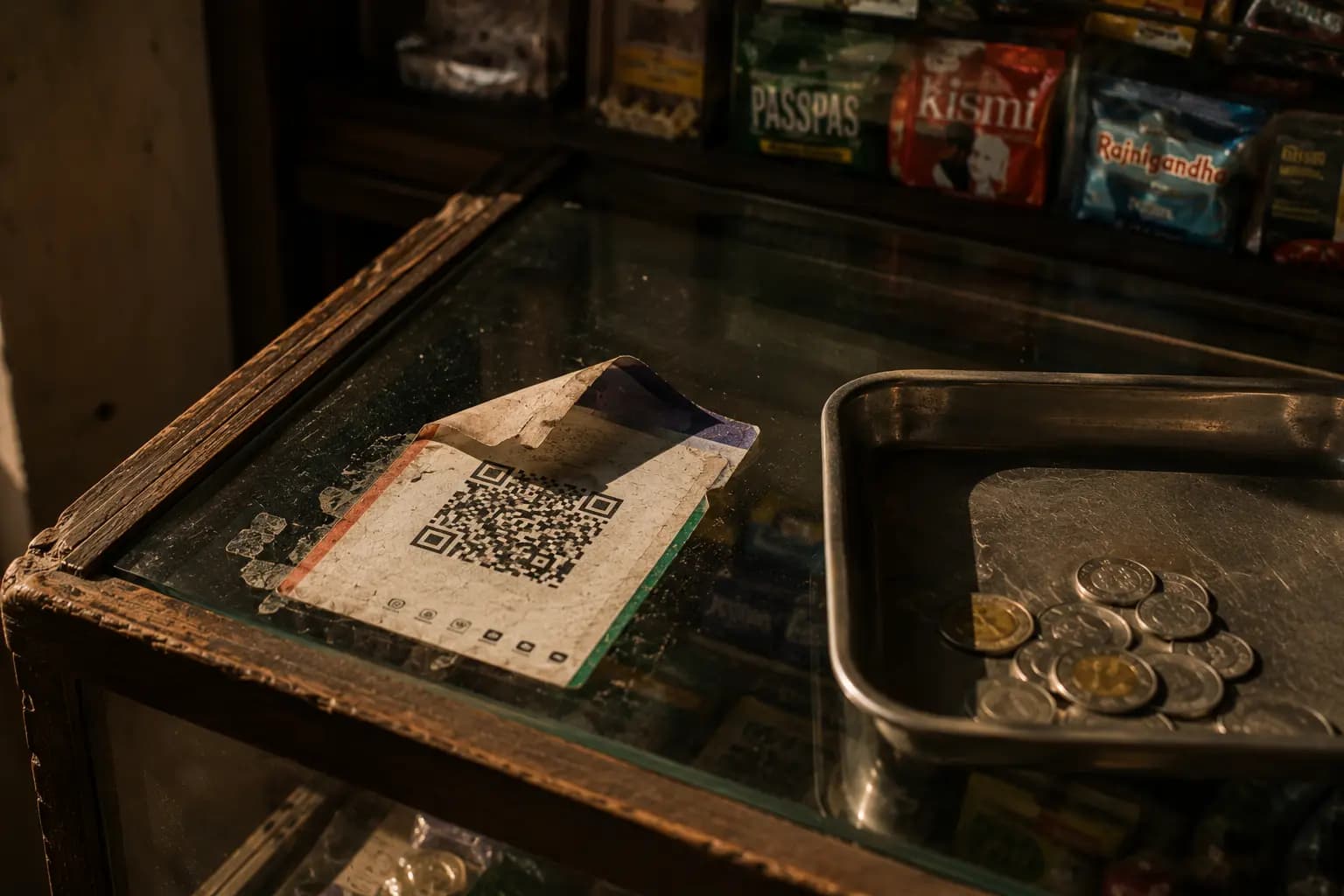
Where Does It All Go? Track Your UPI Spending Automatically
Twenty scans a day — ₹40 here, ₹250 there — UPI made paying so easy that a third of your salary can vanish without a single memorable purchase. Here is the system that captures every GPay, PhonePe, and Paytm payment automatically, sorts it into categories, and warns you before a budget blows.
India doesn't swipe cards or count change any more — it scans. UPI now moves billions of payments a month: the chai, the auto, the kirana run, the Swiggy order, the split dinner your friend requested at 11 pm. It is the greatest convenience Indian money has ever known — and the worst thing that ever happened to knowing where your money goes.
Cash had a built-in feedback loop: a wallet that got visibly thinner. Cards at least concentrated your spending into one monthly statement you eventually had to face. UPI has no feedback loop at all — the money leaves in under two seconds, the app buries the payment in a per-app history, and your brain files a ₹180 debit as "basically nothing" for the fourteenth time that week. This guide shows you how to get the feedback loop back — without typing a single transaction.
Chapter 1: Why UPI Made Overspending Invisible
Behavioural economists call it the "pain of paying." Handing over physical cash registers in the brain as a small loss — you feel the notes leave your hand, and that feeling is a natural brake on spending. Card payments dulled that pain. UPI removed it almost entirely: a QR code, a glance at your phone, a chime, done. The transaction is over before your brain has processed that a decision was made.
The second problem is small-amount blindness. No single UPI payment feels like it deserves attention — most sit in the ₹50–₹300 band that your brain rounds down to zero. But you make dozens of them a week. Forty payments averaging ₹150 is ₹6,000 a month leaving through a door you never watch, and because no individual payment was memorable, month-end you genuinely cannot say where it went.
The third problem is fragmentation. Google Pay knows what you paid through Google Pay. PhonePe knows its own history. Paytm knows its slice. Your food apps, your metro card top-ups, and your card autopays each know theirs. The only place every payment meets is your bank statement — and nobody keeps reading bank statements after week two.
Chapter 2: Five Ways People Try to Track UPI (and Why They Fail)
Almost everyone who worries about their UPI spending has tried one of these. They fail for predictable, structural reasons:
- 1
Scrolling the payment app's history
GPay and PhonePe show you a list of payments — but only their own, with cryptic merchant names (the legal entity, not the shop you remember), no categories, and no answer to the only question that matters: how much did I spend on food this month?
- 2
The month-end bank statement review
The statement is complete — it is the one place all your UPI apps meet — but it arrives thirty days too late. A statement review is an autopsy. It can tell you what killed the budget; it cannot save it.
- 3
The spreadsheet
Noble, and it works for about nine days. Spreadsheets were survivable when you made five payments a week by card. UPI's volume — dozens of small payments a week — makes manual entry a part-time job, and the day you skip becomes the week you skip.
- 4
Memory and vibes
"I barely spent anything this month." Every study of self-reported spending finds people underestimate by enormous margins, and UPI makes it worse — payments too small to remember individually are impossible to total mentally.
- 5
Screenshot folders and note apps
Capturing without structure. A folder of payment screenshots or a running note has no totals, no categories, no month-on-month view, and no alert when food crosses its limit. It is a diary, not a system.
Chapter 3: The Automatic System — Set Up Once, Works Every Day
The fix is not more discipline. The fix is removing the manual step entirely. Here is the key insight: every UPI debit already generates a bank SMS, and that SMS contains the amount, the merchant, and the account — everything an expense tracker needs. Your bank built the data feed; you just need something listening to it.
- 1
Turn on SMS auto-capture
Install Nami on Android and enable SMS capture. From that moment, every bank, UPI, and card alert becomes a draft expense automatically — amount and merchant read from the SMS, category suggested by AI. Nothing is saved until you review and approve it. Because this works at the bank layer, not the app layer, it catches GPay, PhonePe, Paytm, BHIM, and whatever app launches next — with zero per-app setup.
- 2
Backfill your history with a statement import
A tracker that starts from zero takes months to become useful. Skip the wait: export the last 3–6 months as CSV or PDF from your bank app and import it. AI categorizes every transaction in minutes, so you start with your real baseline — what food, transport, and shopping actually cost you — instead of a blank slate.
- 3
Set category budgets with early alerts
Now that real numbers exist, set category-level budgets and let the alerts do the watching: a nudge at 50%, a warning at 90%, an alarm at overflow.
The point of tracking was never the report — it is the warning that arrives on the 14th of the month, while there is still time to change course. - 4
Catch the leftovers with voice and widgets
Some spending never sends an SMS — the cash chai, the payment made from your spouse's phone. Say it aloud — "two hundred, auto" — and voice entry parses the amount and category in a second, or use the home-screen widget to log without opening the app.
No signal? Entries queue offline and sync when you are back online. - 5
Do the 30-second nightly review
One smart reminder at 8 PM — and only if you have not logged anything that day. Open the app, approve the day's drafts, glance at the budget bars, done. Thirty seconds. That is the entire ongoing cost of the system — and it is also how the streak, and the habit, survives.
Chapter 4: Three Rules That Keep UPI Spending Honest
The system above captures the data. These three rules turn the data into behaviour:
1. Route all UPI through one bank account
If your UPI apps draw from three accounts, you have three partial SMS streams and no single truth. Point every UPI app at one dedicated account and your entire digital spending becomes one clean feed. Keep a second account for savings — one that no UPI app has ever been given access to. What UPI cannot reach, UPI cannot spend.
2. Audit your autopay mandates quarterly
UPI Autopay did to subscriptions what UPI did to spending: made them invisible. Once a quarter, open your UPI app's mandate section and cancel anything you have not used in 30 days. Recurring charges you approved once in 2024 should not be a line item in 2026.
3. Compare months, not days
A single expensive day means nothing; a category that grows three months in a row means everything. Use a month-vs-month comparison to spot real drift — food creeping 15% a quarter is a habit forming — and export a PDF or CSV report when you need records for reimbursements or a serious sit-down with your numbers.
Put Your UPI Tracking on Autopilot
Every payment app. One expense log. Zero typing.
Nami reads the bank SMS you already receive and turns each debit into a draft expense with the amount, merchant, and a suggested category filled in. You approve in one tap — GPay, PhonePe, Paytm, and cash, all in one categorized ledger.
- SMS auto-capture turns bank alerts into draft expenses (Android).
- AI-categorized statement imports backfill months of history in minutes.
- Budget alerts at 50% and 90% — before the month is lost, not after.
- Voice entry, home-screen widgets, offline mode, and 10 languages.
Conclusion
UPI is not the enemy — convenience without feedback is. You cannot out-discipline an invisible leak, and you should not have to: the data feed already exists in your bank's SMS alerts, and turning it into a categorized, budgeted, warning-equipped expense log is a fifteen-minute setup. After that, the system costs you thirty seconds a night and pays you back the one thing UPI took away: knowing exactly where your money goes, while there is still time to do something about it.